V0.2 Preview
Desktop Trainer Client
Clear To Land - Trainer
This is the companion client for Cleared To Learn. It connects your simulator to our live trainer so we can see your heading, altitude, speed, and location in real time — and talk to you like real ATC. All you will need is a session code from your instructor
- ◆ Telemetry system to connect to our network
- ◆ Works with MSFS and X-Plane via our custom bridge app.
- ◆ Not affiliated with vatsim.
Download for Windows
Windows Only
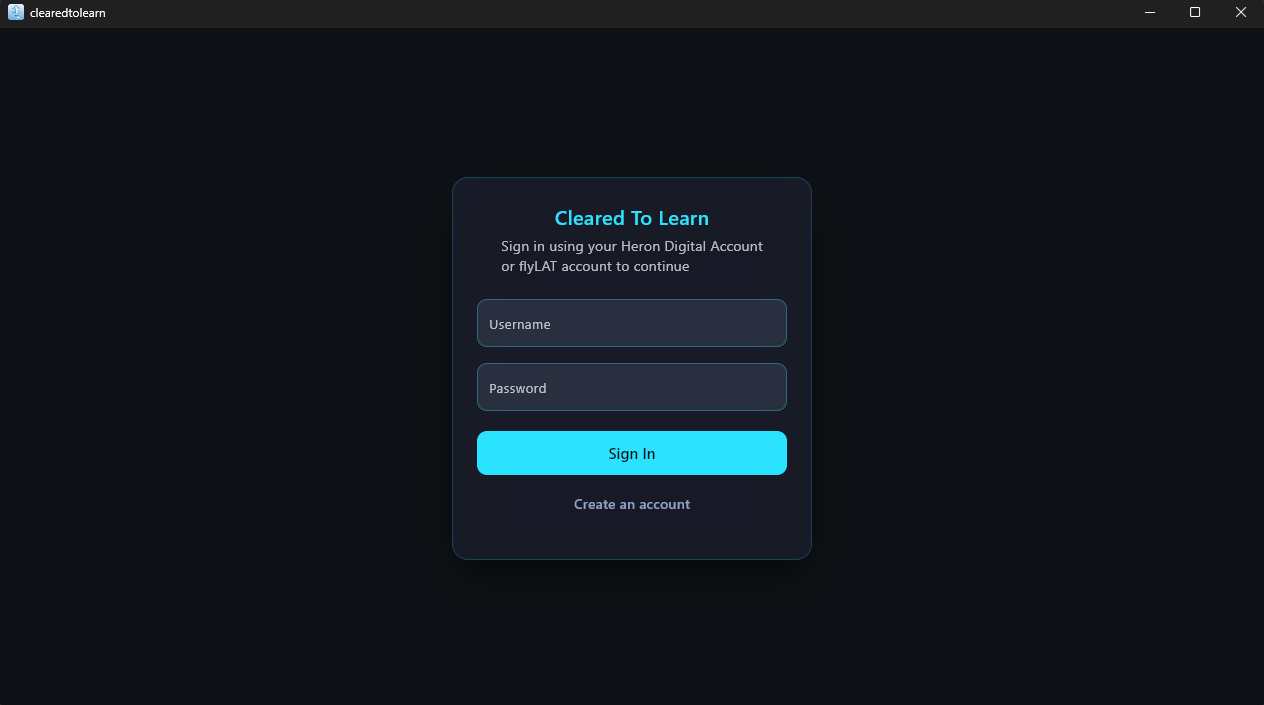
Run the installer, sign in, and you're ready.
V0.2 Preview
Current Build
Change Log
- XPlane bridge now has settings.ini to change port
- Connection Stability for xplane
- Connection Stability for xplane
By downloading you agree you will not redistribute this build publicly.
This client is for Cleared To Learn training only.
In-sim telemetry view
OFFLINE
The trainer can see your heading, altitude, and speed in real time,
give you vectors, and coach you on correct RT without shouting.